
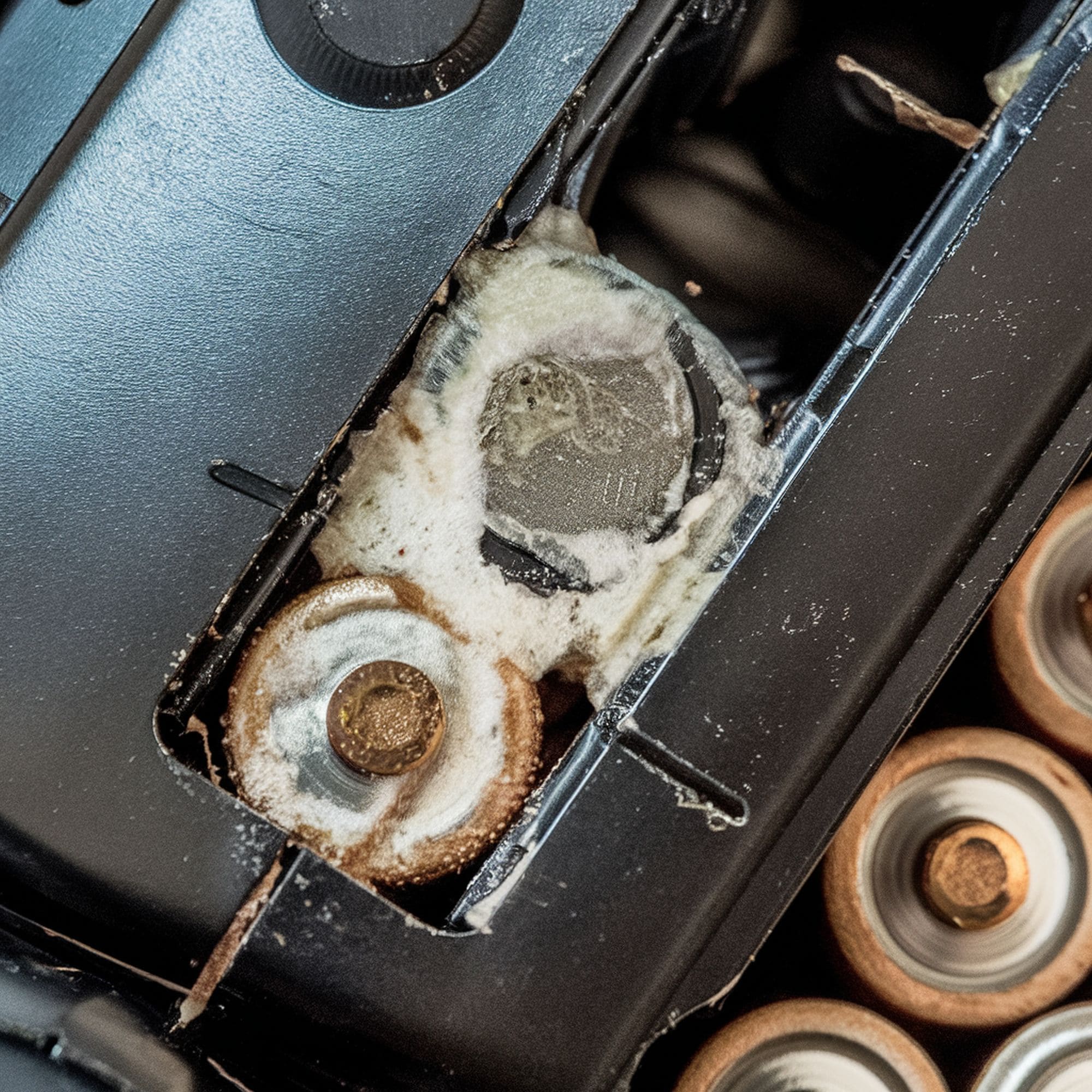
We live in a digital era where most household items require batteries to work. This applies to both simple tools like flashlights, TV remotes, toys and more essential ones like phones and laptops. Battery corrosion is a major reason why these devices fail to work when you need them most. In this article we’ll show you how to clean it all up. But before that let’s first take a look at the types of batteries used at home:
Determine the Type of Household Batteries You’re Using First
1. Alkaline Batteries
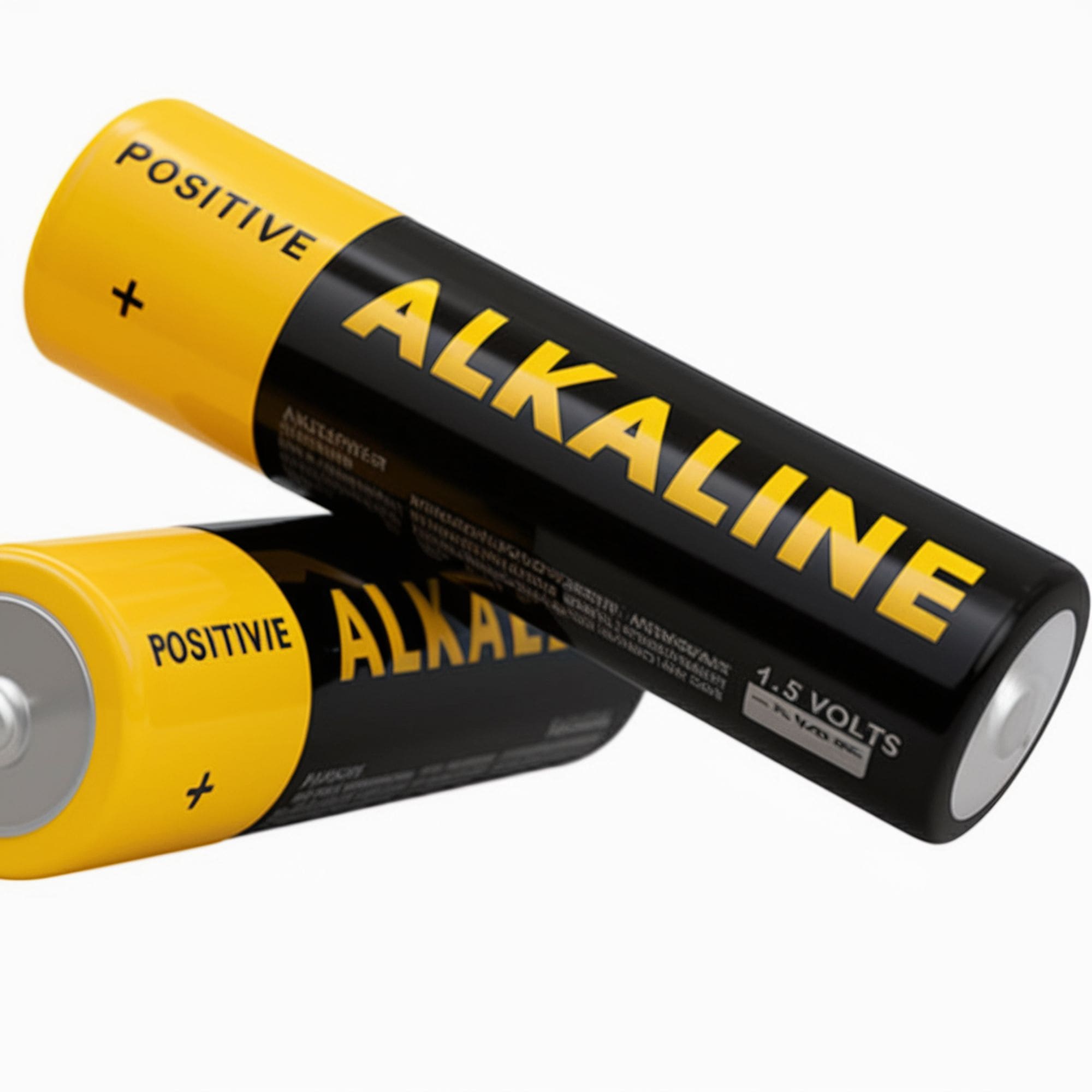
These are the most common household batteries. They come in different sizes (AA, AAA, C, D) and are mostly used in toys, TV remotes, flashlights and other small gadgets. They are also non-rechargeable and should be properly recycled when their juice runs out.
2. Nickel Cadmium Batteries
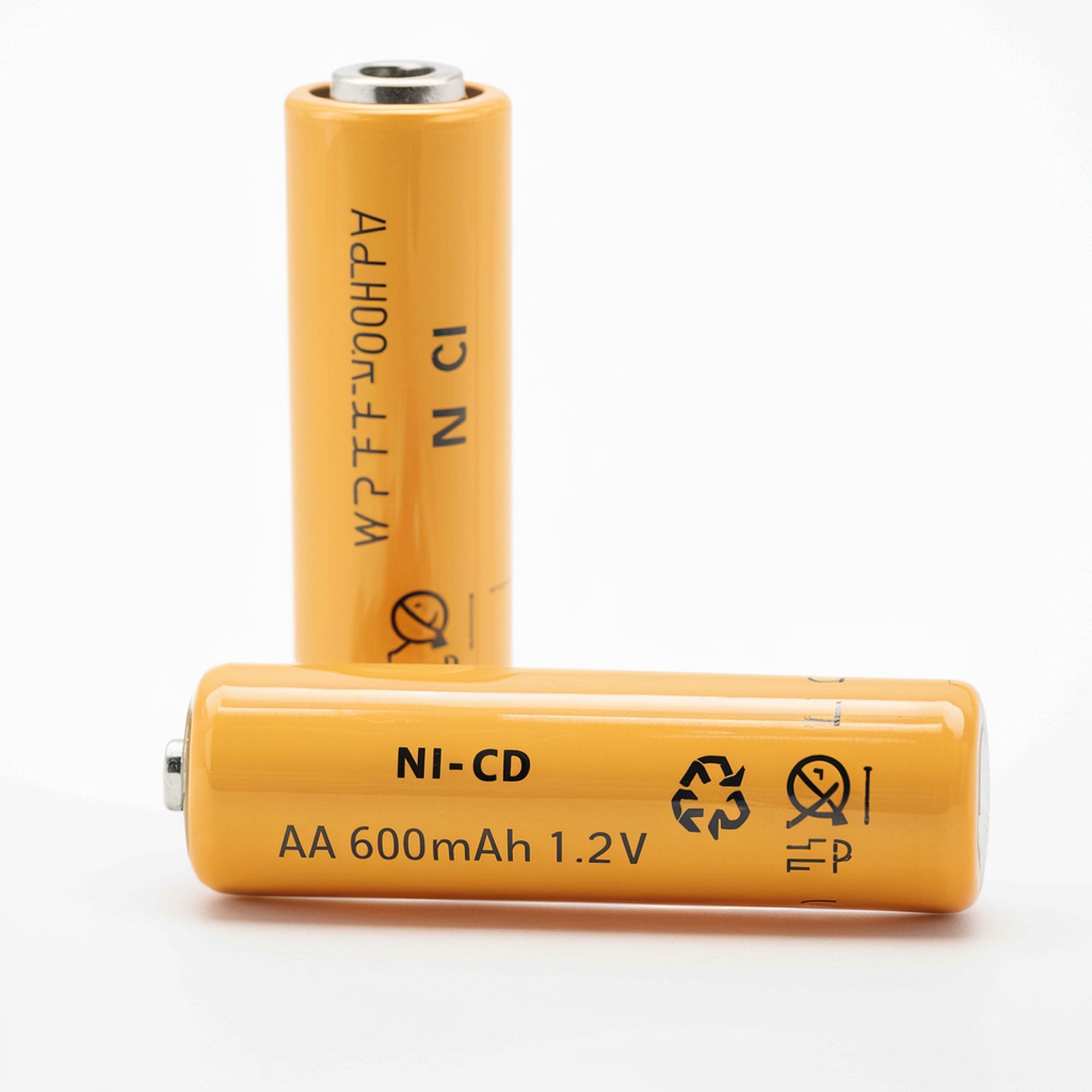
NiCad batteries are rechargeable. They are also used in small household gadgets. NiCad batteries are more expensive than alkaline batteries but are more durable. They are also more corrosive than alkaline batteries but less likely to leak.
3. Lithium-Ion Batteries
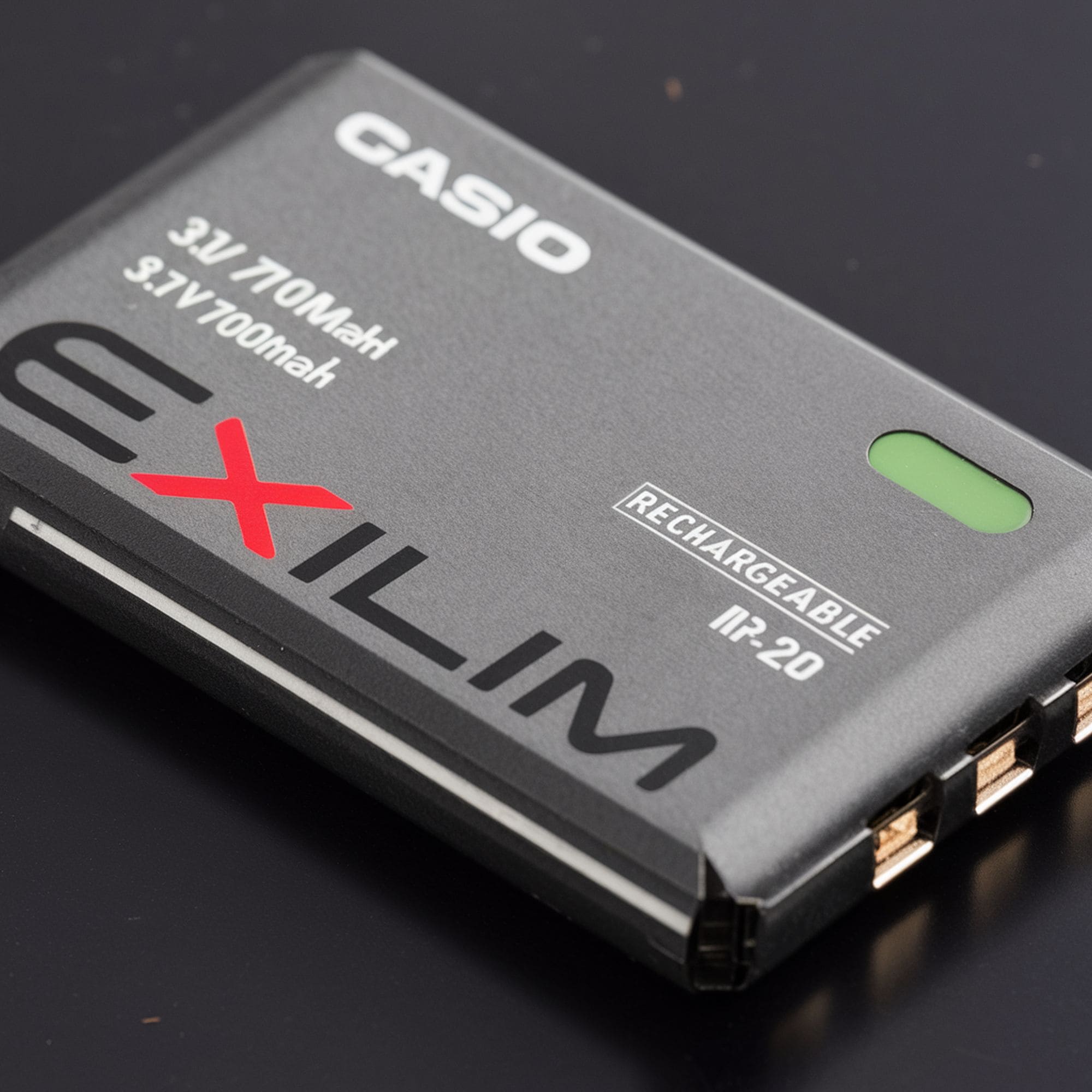
Li-ion batteries are mostly used in cellphones and other major electronics such as laptops. They are less likely to corrode and leak so we won’t cover much about them.
Items Needed for Cleaning:
- Cotton swabs
- Old toothbrush
- Protective gloves (latex gloves should work just fine)
- Safety eyewear
- Baking soda
- Lime juice or vinegar
- Paper towel or old rag
- Petroleum jelly
- A small glass/plastic bowl
The 9 Steps of Cleaning Battery Corrosion:
Here are the steps to follow when cleaning rust off your alkaline batteries and Nickel Cadmium (NiCad) batteries:
Step 1: Set Up a Work Space
Organizing yourself is probably the most important aspect because you’re working with harmful chemicals. Find a cool, ventilated work station and start preparing the cleaning compound. First, lay down old rugs, paper towels, newspapers, or any old material you don’t need on the work station.
Step 2: Wear Protective Gear

Once you’ve set up your work station and laid out everything you need, put on your protective gloves, glasses and ideally a mask. The substance that alkaline batteries leak is called potassium hydroxide and can cause irritation when it comes in contact with exposed skin and eyes. Protective gear will keep potassium hydroxide away from your skin and your lungs
Step 3: Prepare Your Homemade Battery Cleaner
Mix a table spoon of baking soda into half a cup of water and stir to dissolve all the baking soda.
Step 4: Remove Batteries From the Device
Remove all batteries (corroded or not) from the device. Leaky batteries are toxic so you want to wrap them in a paper towel or plastic bag and send them to a recycling facility. Best Buy is notorious for accepting most recyclable electronic waste. Do not try to recharge leaky NiCad batteries. Dispose them as well.
Step 5: Cleaning Process
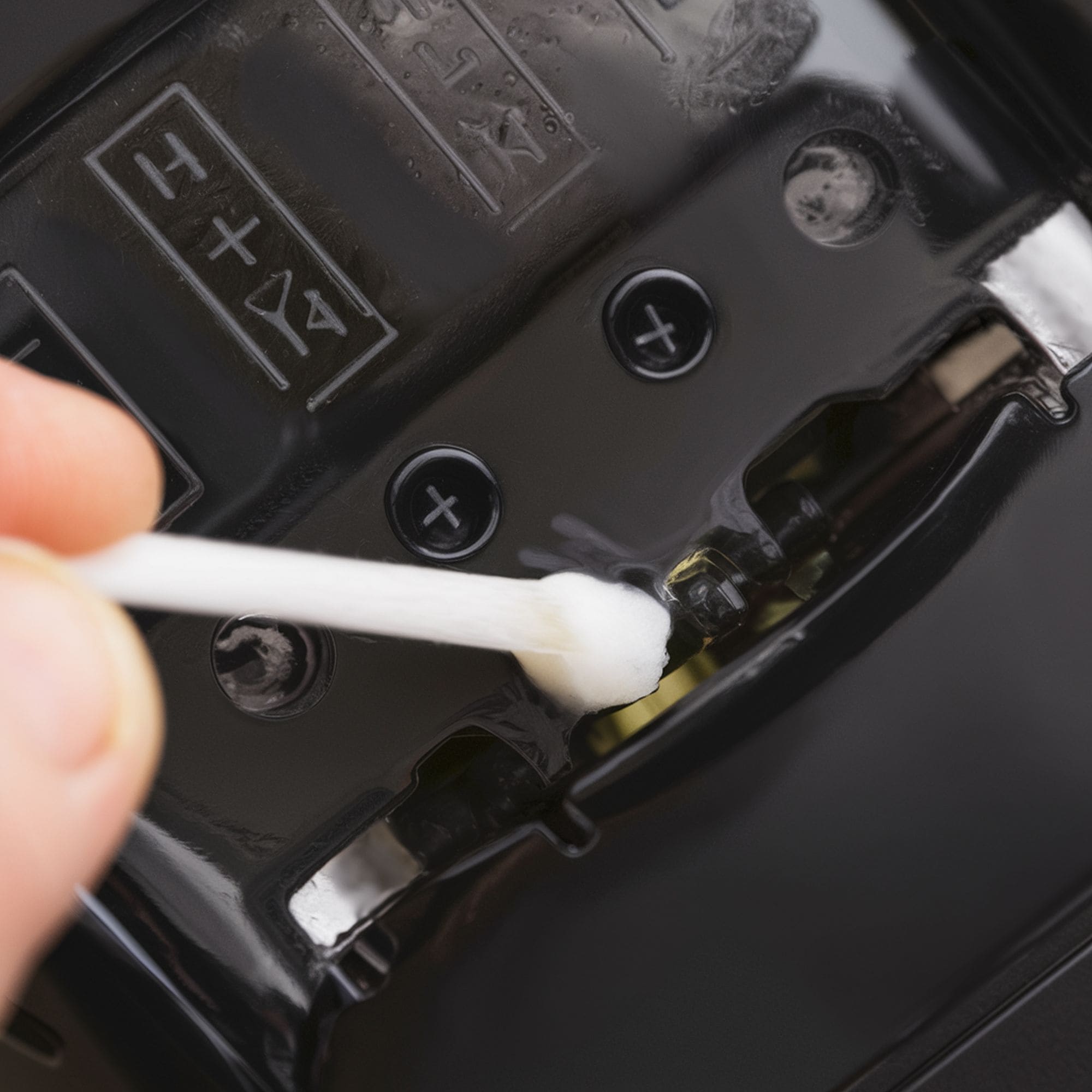
Both alkaline and NiCad batteries leak an alkaline chemical called potassium hydroxide which leaves a trace of corrosion in your devices. Take a little vinegar or lime juice and sprinkle on the corroded regions. Wait a minute or two for the mild acidity of the lime juice or vinegar to soften the battery residue in the affected area.
Step 6: Scrubbing Away the Corrosion
Start with a cotton swab. Try to scrub all the corrosion residue off the corners and contact points. Feel free to dip the cotton swab into the lime juice or vinegar mixture if you need more moisture. Switch to a toothbrush if the cotton swab is not working. A toothbrush will be more effective at getting rid of deep-rooted corrosion.
Step 7: Dry the Device
Once all the corrosion is scrubbed off, pat the device dry using paper towels. Use a toothpick to remove residual rust in hard-to reach corners.
Step 8: Balance the Device’s pH Level
This step is vital. The acidity of the lime juice or vinegar needs to be balanced out. Take a pinch of dry baking soda and sprinkle it across the area you scrubbed with the toothbrush/cotton swab and give it a minute. Next, take a clean cotton swab and carefully rub the baking soda mix into the battery contact points and corners.
Step 9: Install New Batteries
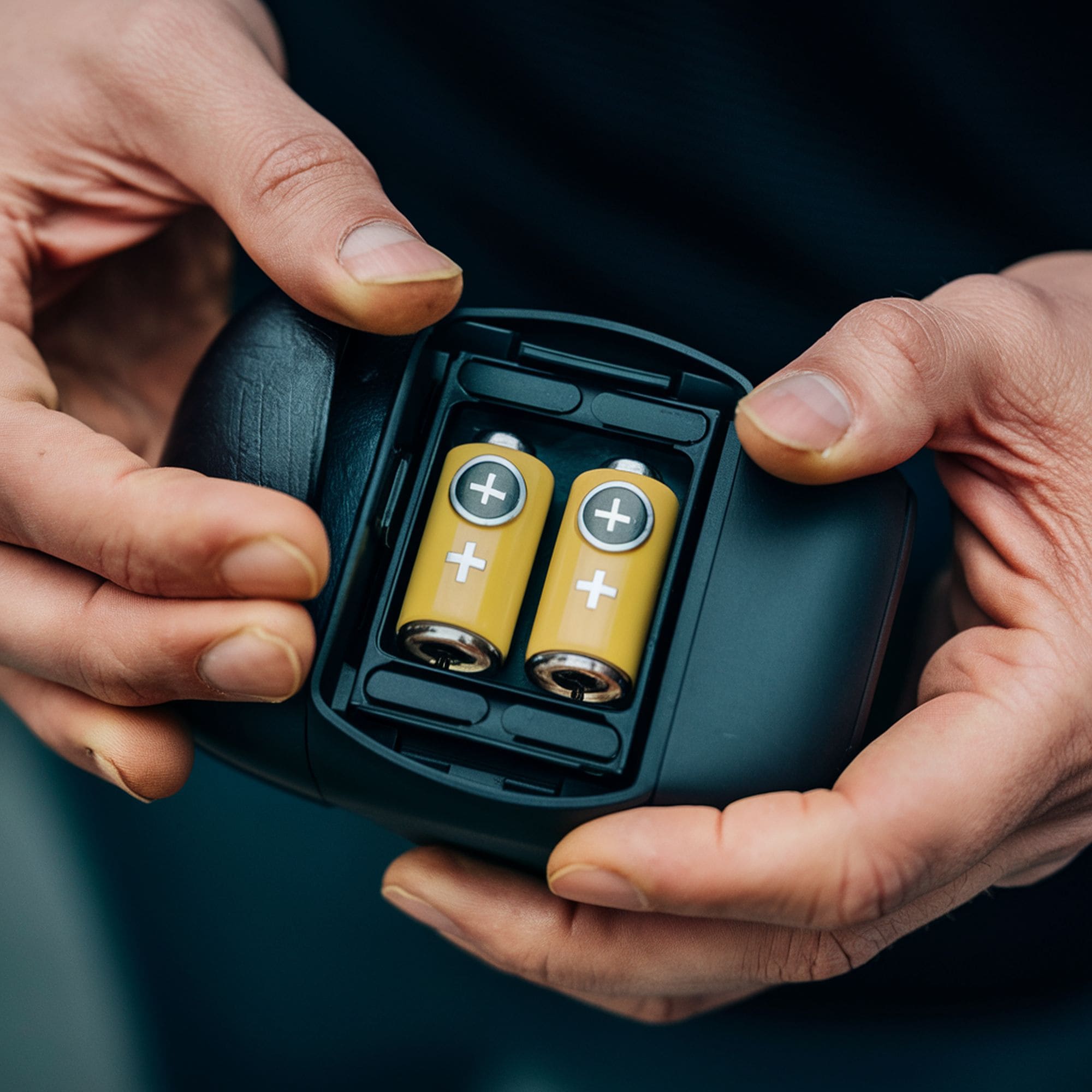
Dry everything and let the device rest for a couple of minutes then install new batteries.
5 Tips for Stopping Battery Corrosion in The Future
You can avoid more cases of battery corrosion in the future by following these simple but proven tips:
- Batteries are highly reactive so store them in a cool dry place
- Smear your batteries in Petroleum Jelly to help prevent corrosion
- Batteries have a lifespan so trash all expired batteries, even if unused
- Do not mix new and old batteries in a device. Replace all old batteries with new ones.
- Remove batteries from unused devices

Leave a Reply